


This page is for you if you already have a fully completed Gnosis Pay account and want to connect it to your Greenhood Wallet. To connect your Gnosis Pay account to Greenhood, you must add a Greenhood key as a new SAFE Owner & Sign-in wallet.
Steps to complete
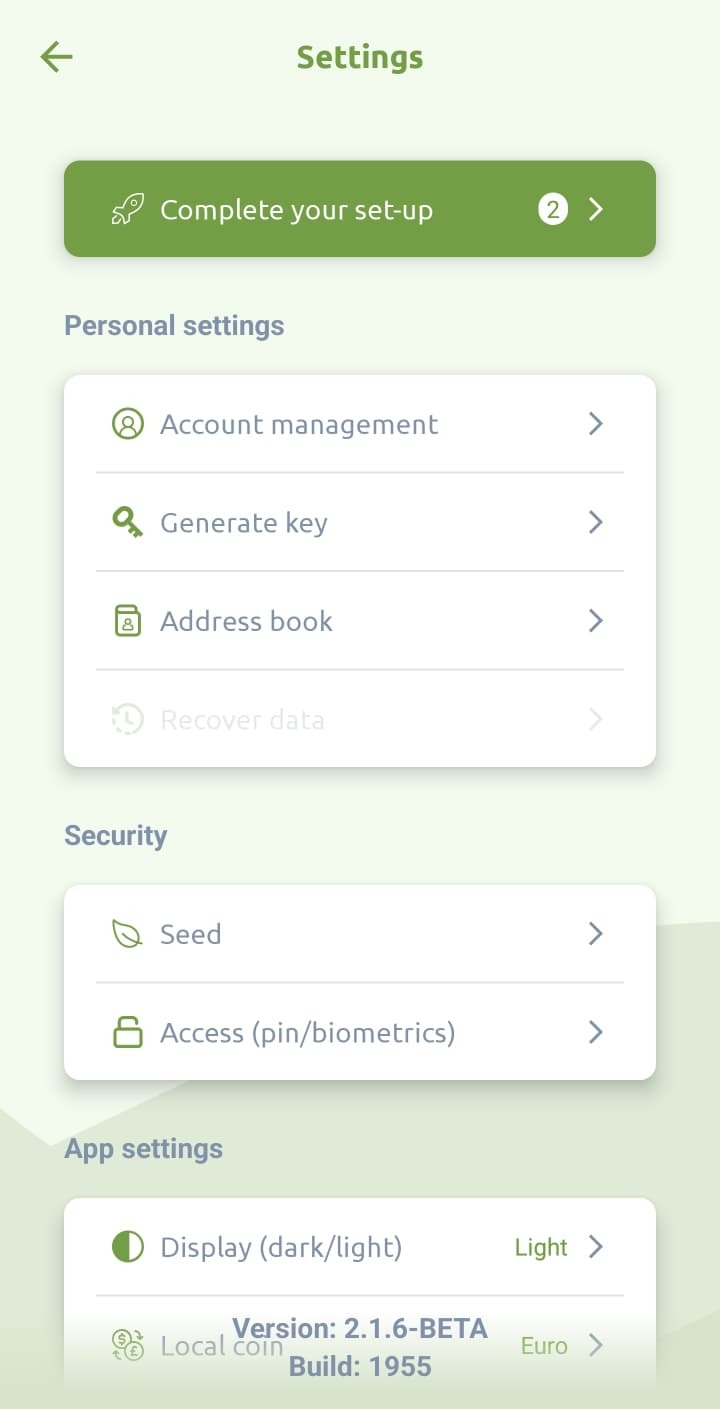
- Open your Greenhood Wallet and navigate to Settings > Complete your set-up
- Tap ‘continue’
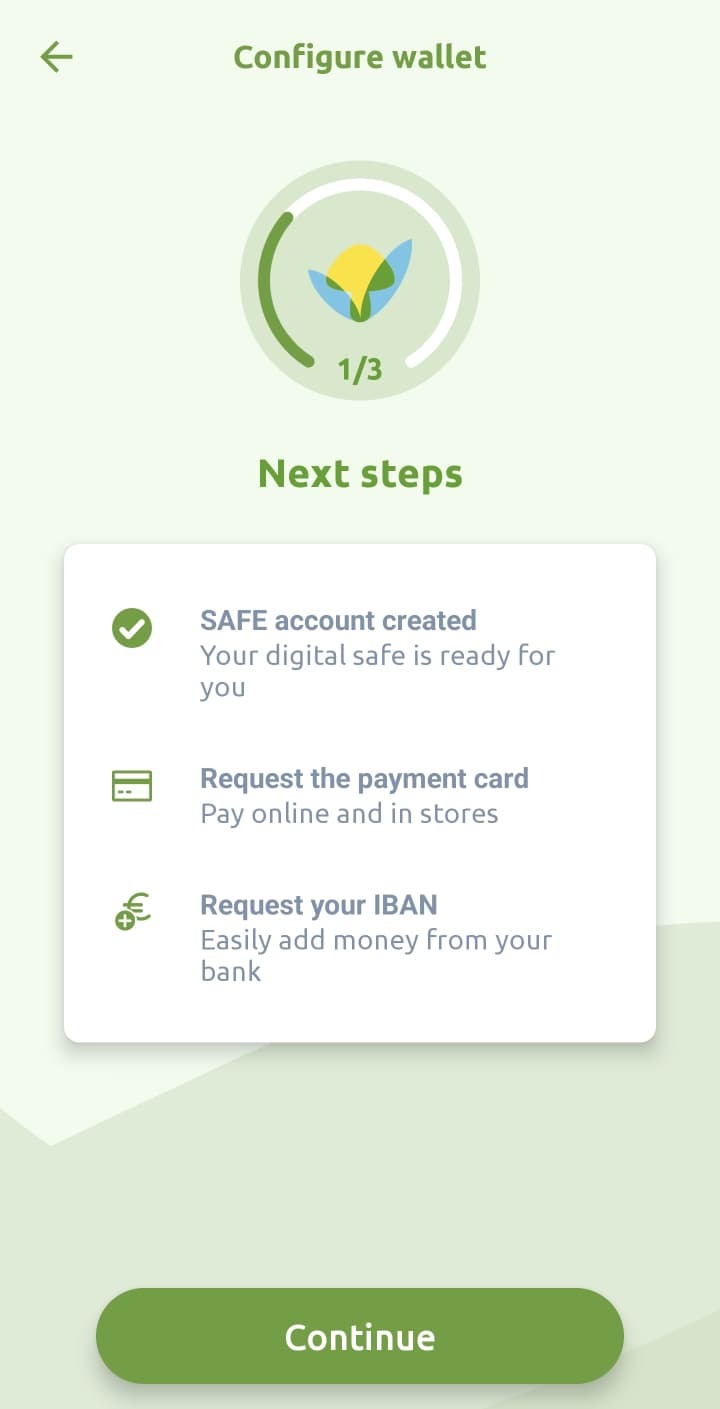
- Instead of creating a new account, tap the ‘Log in instead’ above the bottom button.

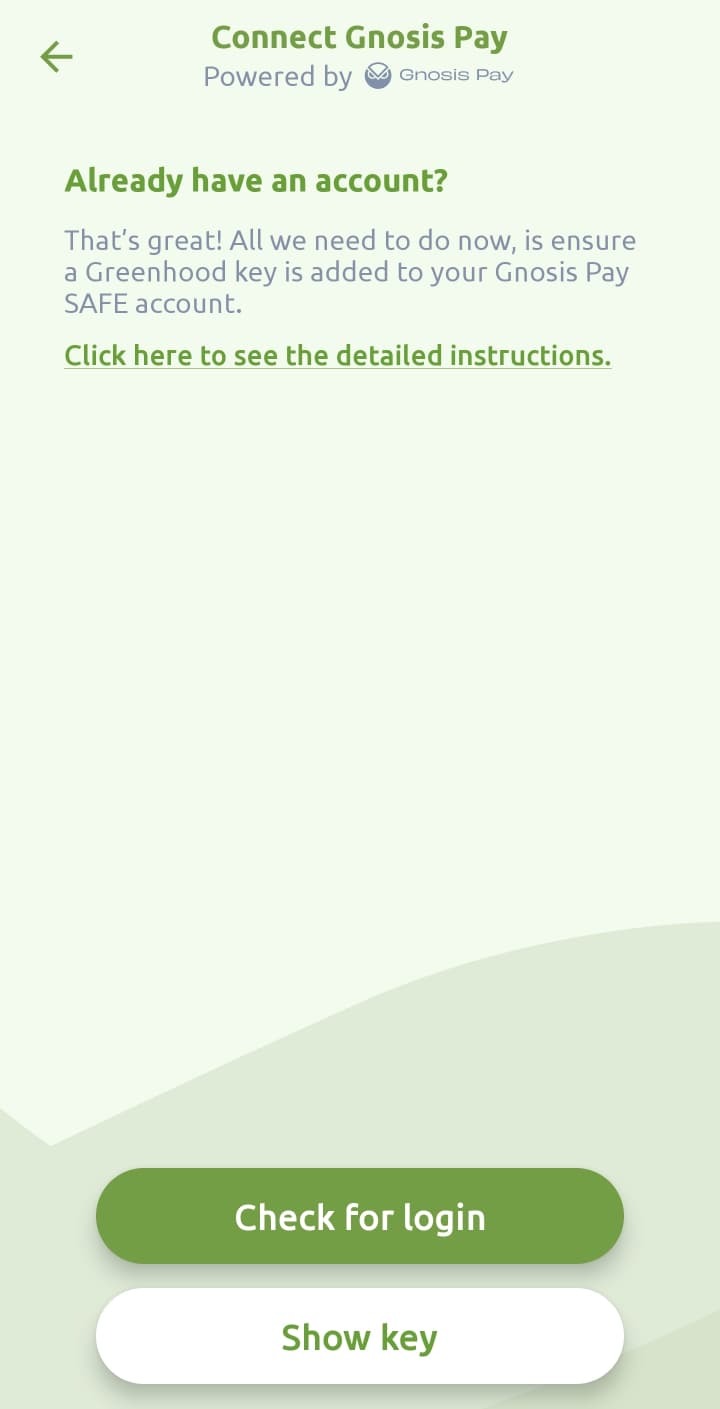
- On this page, you can easily create a new Greenhood account by tapping ‘Show key’
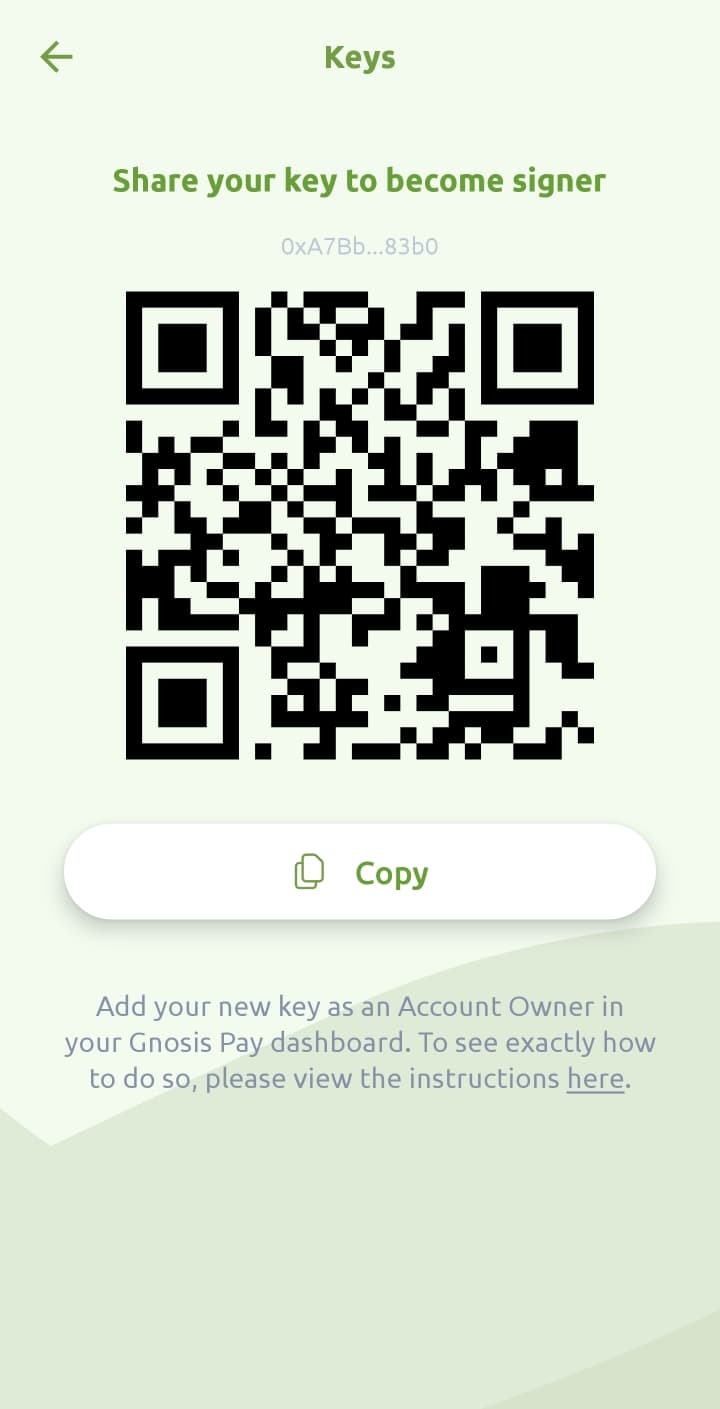
- Now tap ‘Copy’ to easily copy your Greenhood key. You’ll need this in the following steps.
- Go to app.gnosispay.com and connect with your existing wallet to gain access.
- Navigate to the “Account” tab and tap ‘Safe owners’
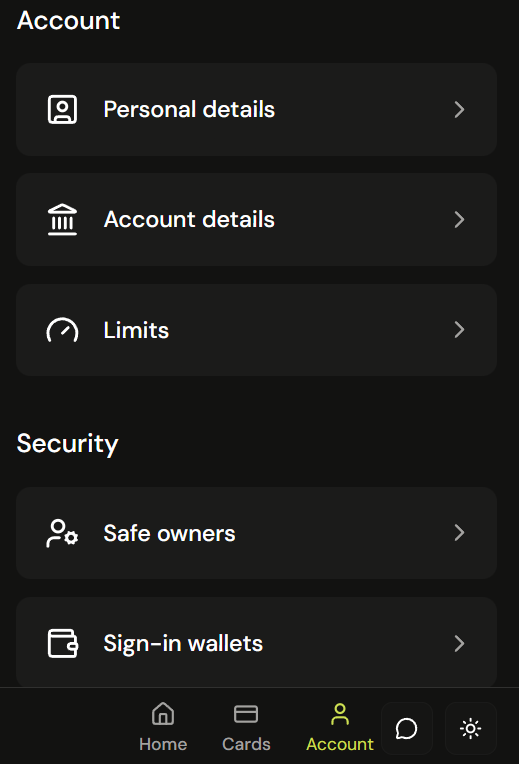
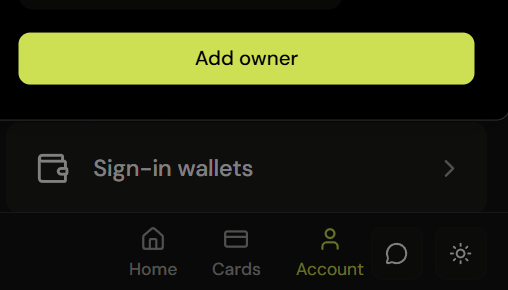
- Tap ‘Add owner’
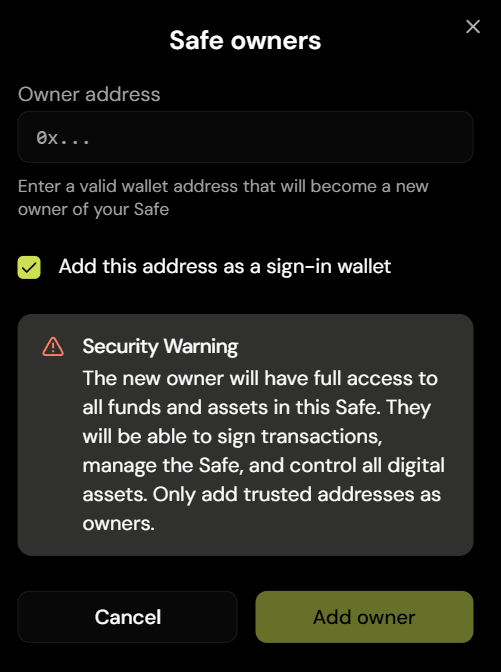
- Copy the key from step 5 into the ‘Owner address’ field. Keep the checkbox on for ‘Add this address as a sign-in wallet’.
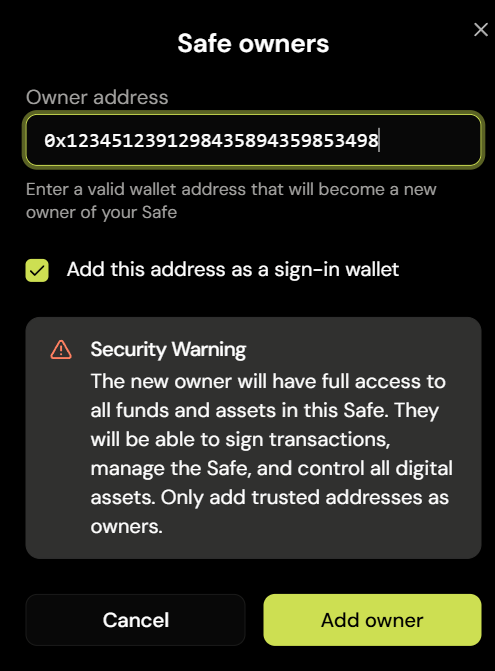
- Now tap ‘Add owner’ and confirm this addition.
- Go back to the Greenhood Wallet and tap ‘Check for login’
- Complete! It should now have connected your Gnosis Pay account to your Greenhood Wallet.
Questions
Still have questions? Contact us via support@greenhoodwallet.com


