


This page is for you if you already have a Monerium account and want to connect it to your Greenhood Wallet. Note that you will have to have completed your Gnosis Pay application before you can connect Monerium.
Steps to complete
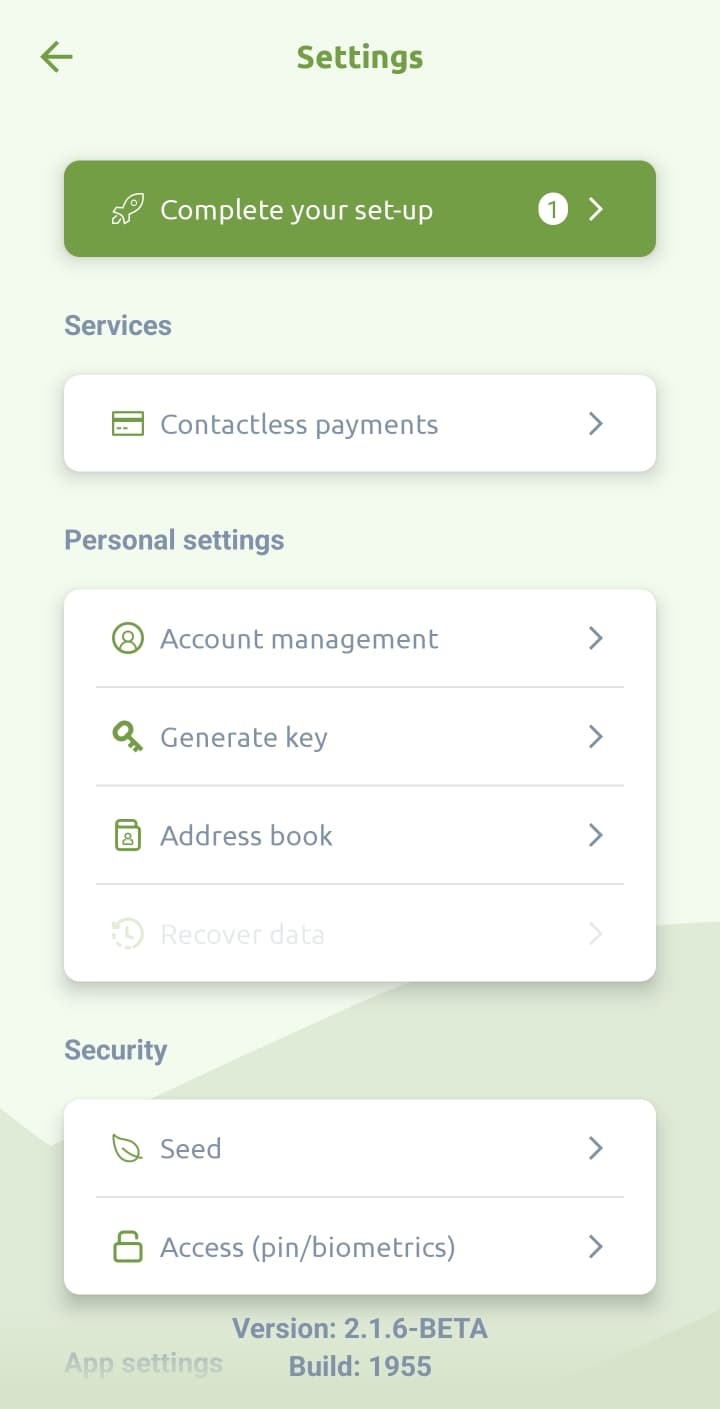
- As mentioned above, your Gnosis Pay application must be completed beforehand. Once done so, navigate to Settings > Complete your set-up
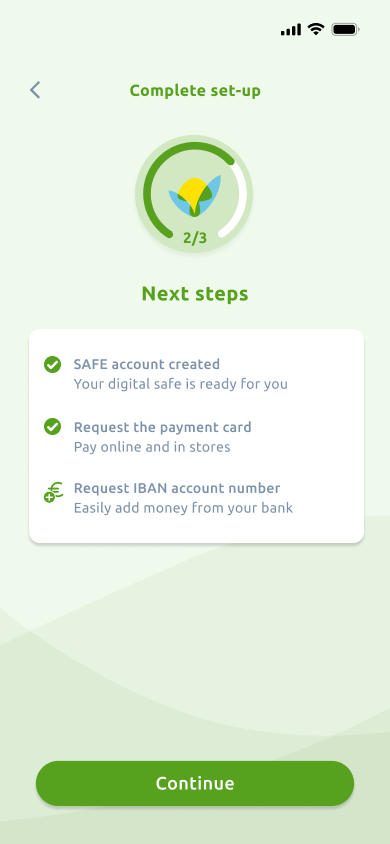
- Tap ‘Continue’
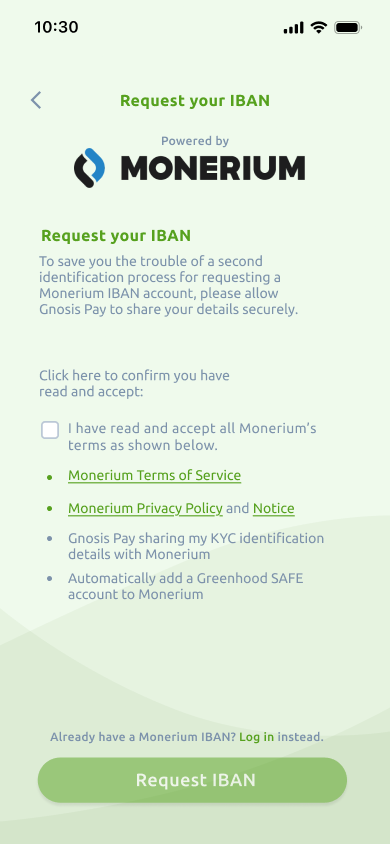
- Instead of accepting the terms & trying to create a new IBAN, click on the link above the button that says: “Already have a Monerium IBAN? Log in instead.
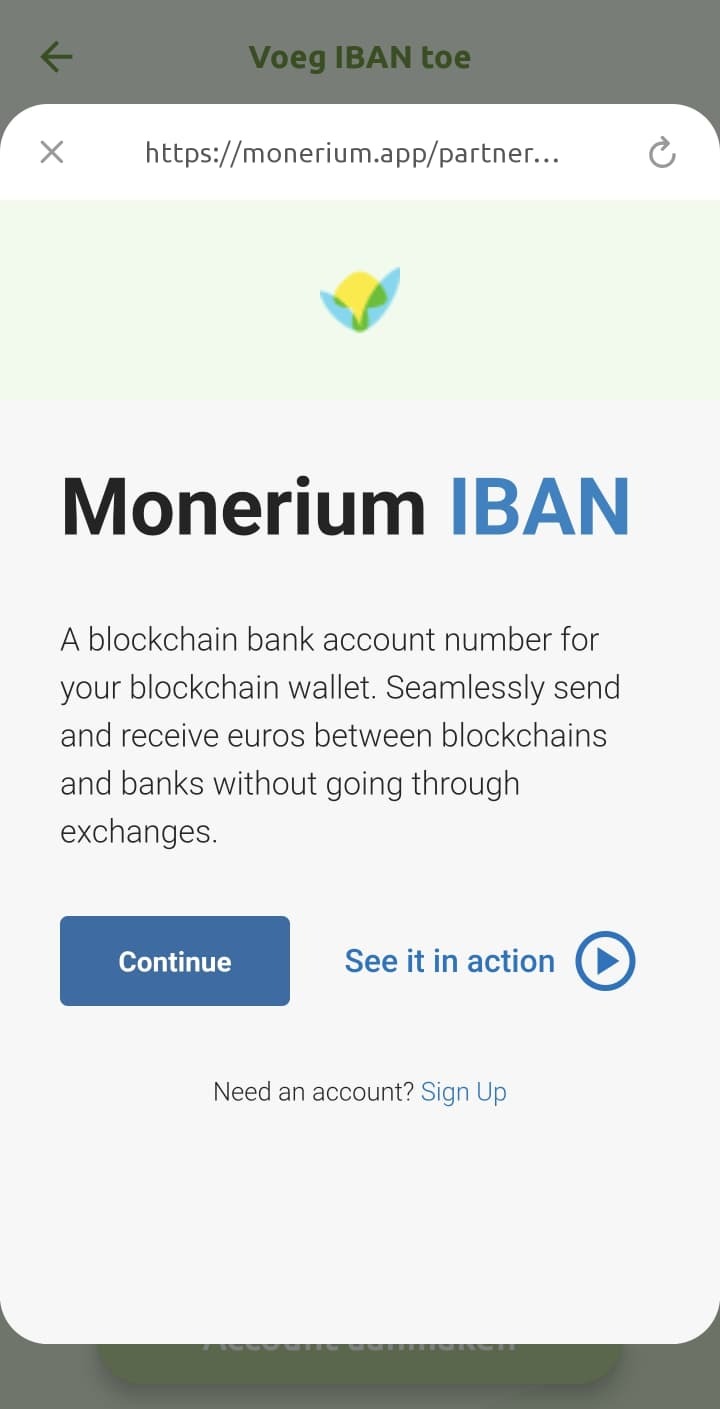
- This will open the internal browser. First tap ‘Continue’
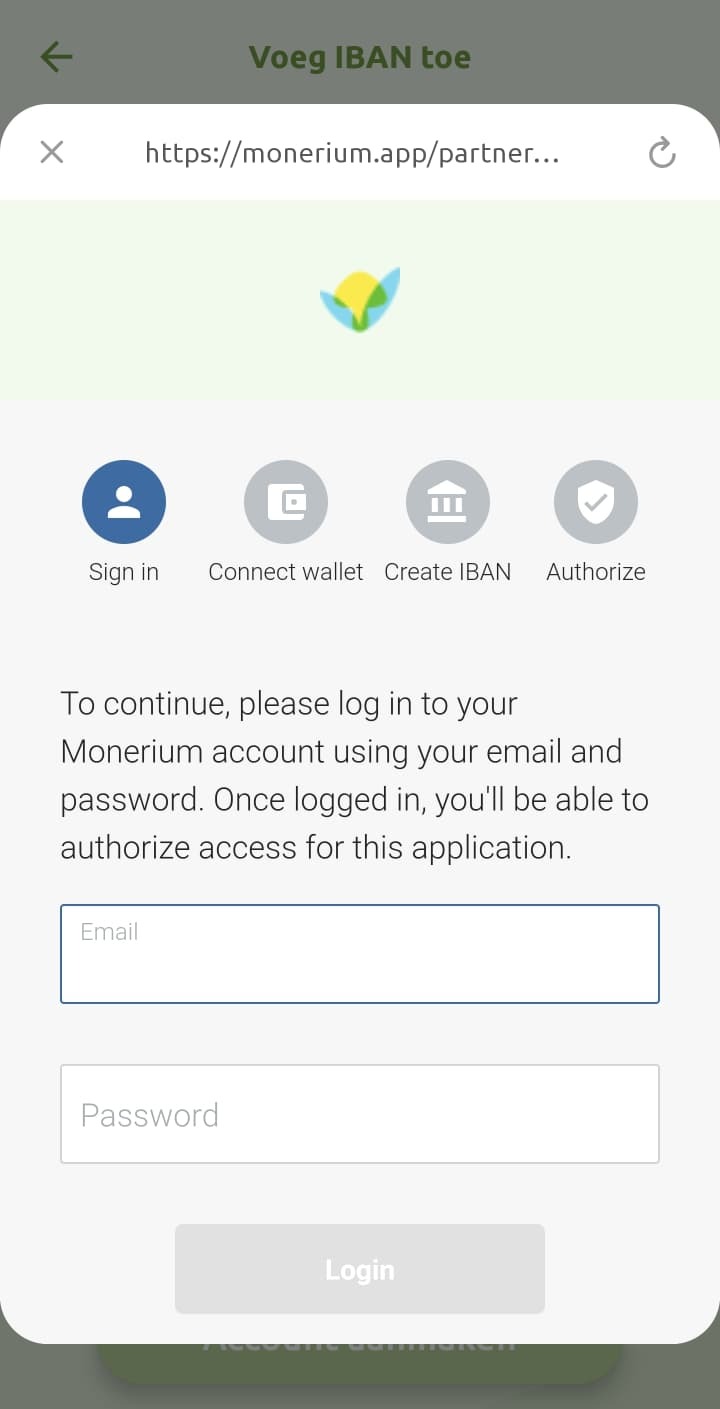
- Now enter your email address and password
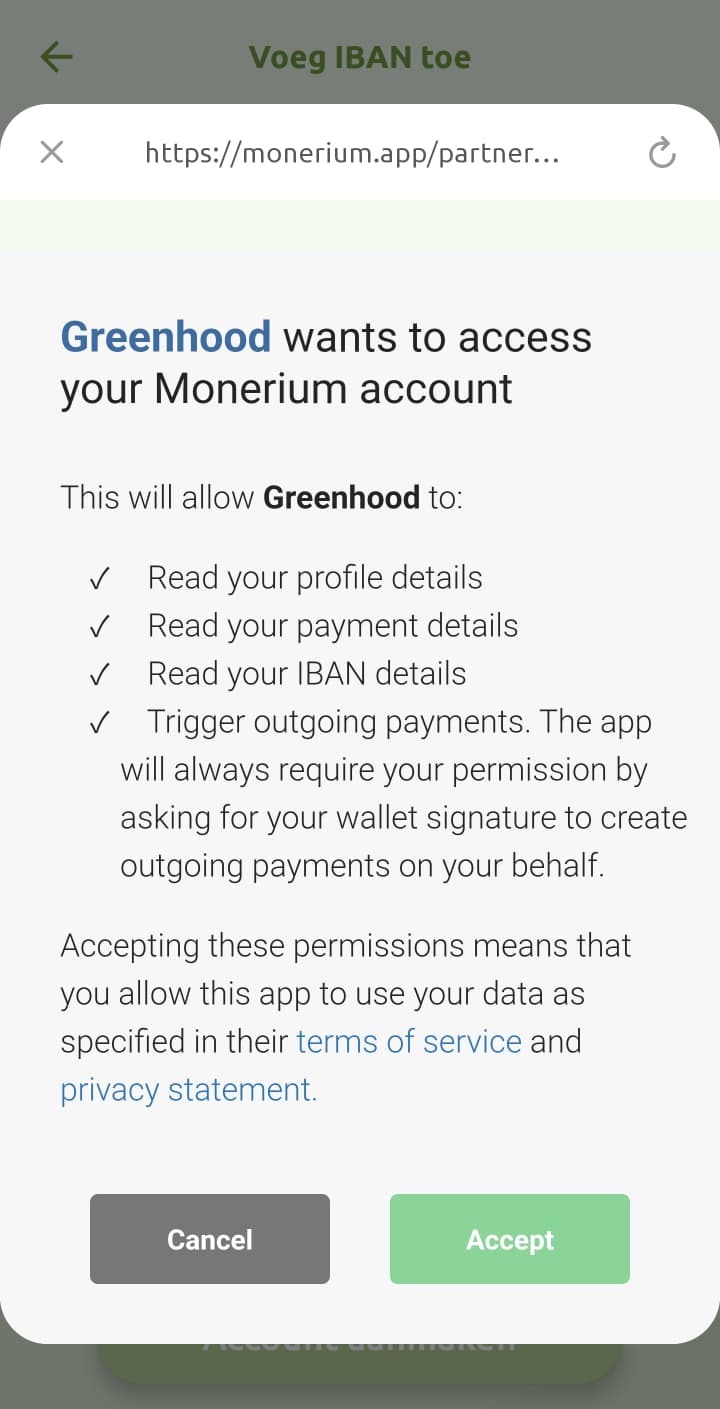
- Accept the access request
- You can opt to immediately add your Greenhood account to Monerium. This will also allow automatic future log-ins without requiring your credentials.

- Complete! You have now successfully added your Monerium account to Greenhood.
Questions
Still have questions? Contact us via support@greenhoodwallet.com


