


With your Monerium IBAN you can add euros to your Greenhood account. It is an essential part of connecting traditional and digital money. You will also be able to send your euro’s back to any IBAN of your choice.
Already have a Monerium account?
In that case, you can follow the steps on this page: Add existing account.
Don’t have a Monerium account yet?
Before you can start your Monerium application, you need to have an active Gnosis Pay account. If you don’t have one yet, please complete that application first by following the steps provided in the Gnosis Pay guide.
If you already have a Gnosis Pay account and it is connected in your Greenhood Wallet, you can continue with your Monerium onboarding by following the steps below.
- Go to Settings > Complete your set-up (1)
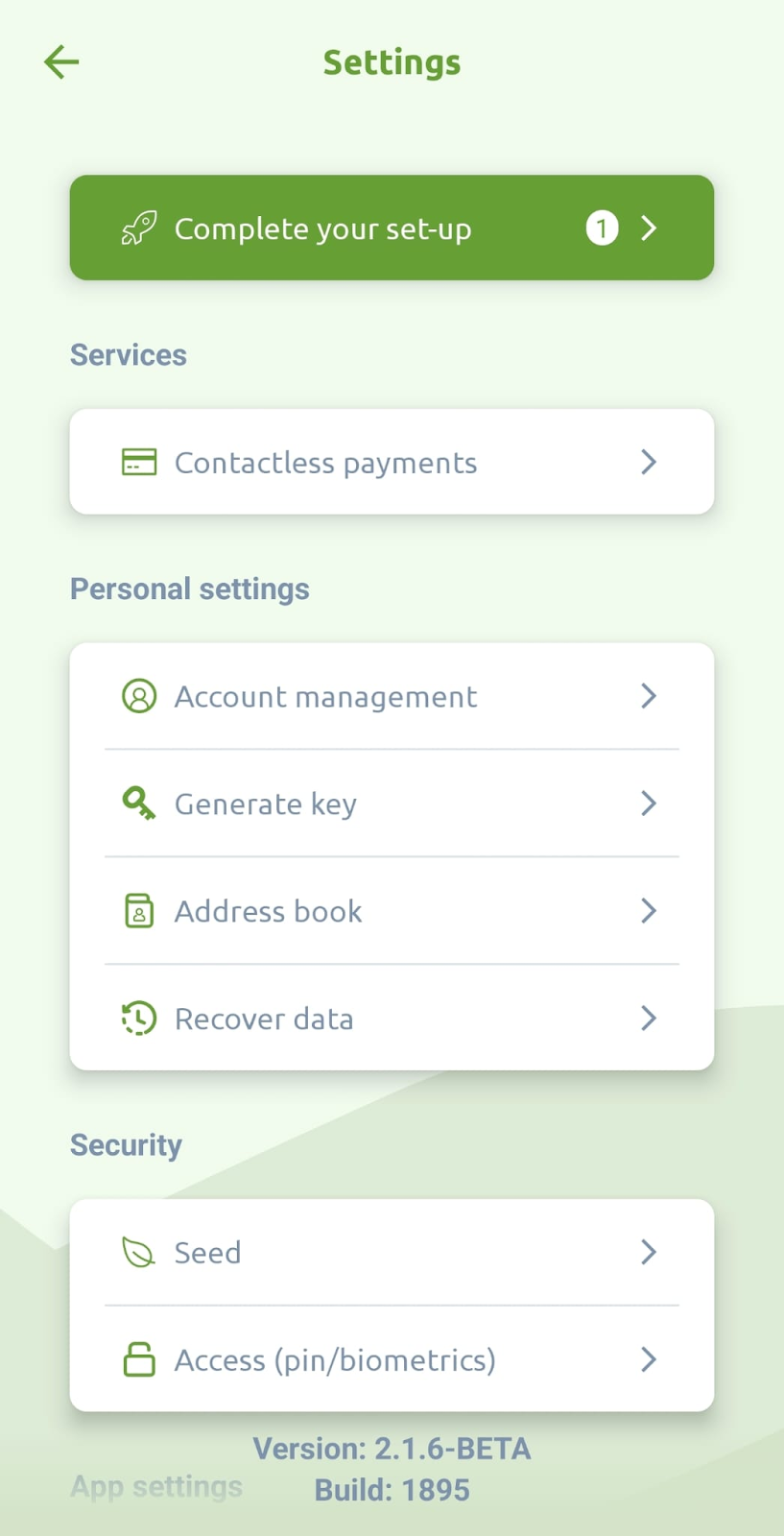
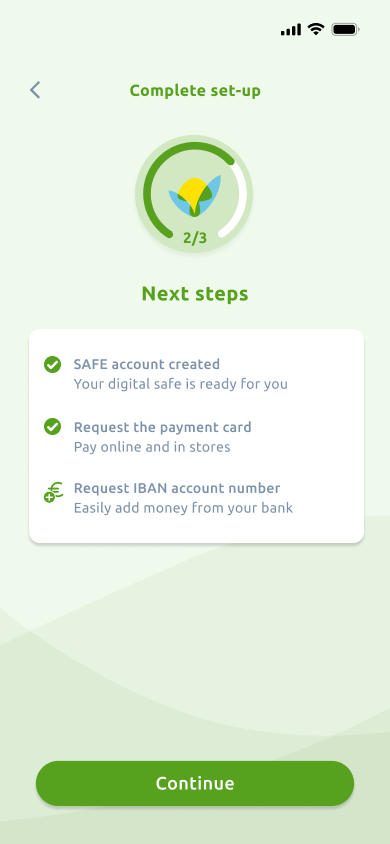
- You should now see the progress indicator showing that 2 out of 3 steps are complete, with Gnosis Pay already verified. Tap the button labeled Continue.
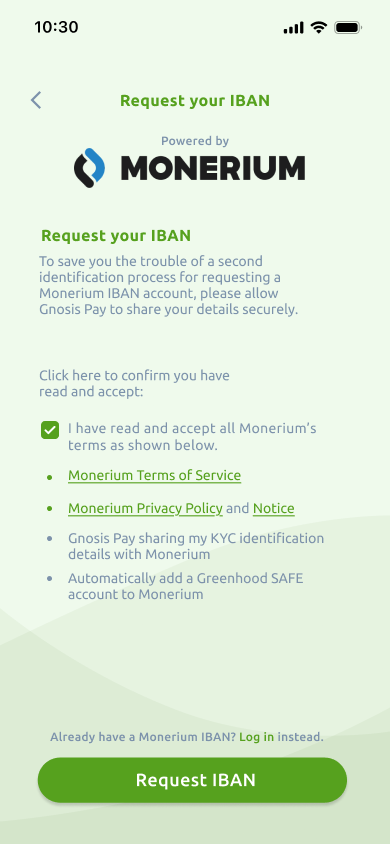
- You will see several terms and conditions, including an explanation that your identity information will be shared from Gnosis Pay to Monerium to simplify verification. Read through the terms, accept them, and tap Create IBAN.
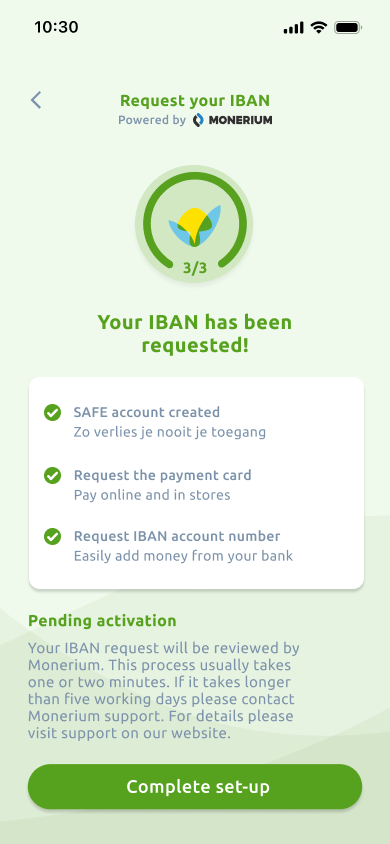
- Your Monerium account is now being generated automatically. This usually takes only a short moment. Please wait until the process completes.

- Success! Your Monerium account has been created and your IBAN request has been submitted. Most users receive their IBAN within a few minutes. However, in some cases Monerium may need to perform additional manual checks, which can take a few business days.
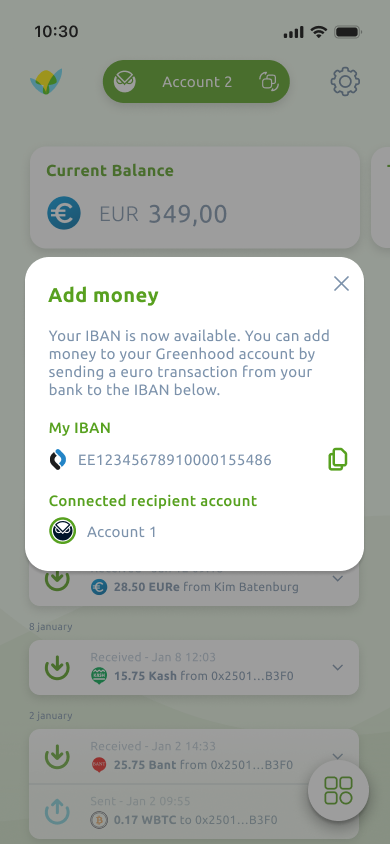
- Once your Monerium IBAN is issued, a pop-up will appear showing your IBAN and the associated recipient account. This is the account where funds will arrive when you send money to your IBAN. You can view this information again at any time by tapping Add on the home screen.
Questions?
Check our FAQ, or reach out to support@greenhoodwallet.com if you need help.


